
How to Create a New File in an Application
- Open the Document View of
the Document Window.
- Select the File/Launch
Application command.
- If the document is unreserved, the No File Dialog will
be displayed. If there is an error, try selecting the File/Unreserve command in the
document window.
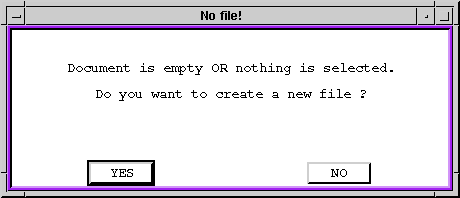
- Select Yes and the Create New File and Launch
Application dialog box will be displayed.
- Select a file type and the appropriate application will be
launched.
- In the application create the file, save, and exit. the Save File to Document
dialog box will be displayed.
- Choose one of the options in the upper portion of the dialog box
(i.e. save in current document, create a new document, or save to
another document), enter a comment if desired, and select OK.
- If a new document is created, type or select and identifier for
the document in the Document
Identifier dialog box.
Questions about ECC ??? Send e-mail to
support@integware.com